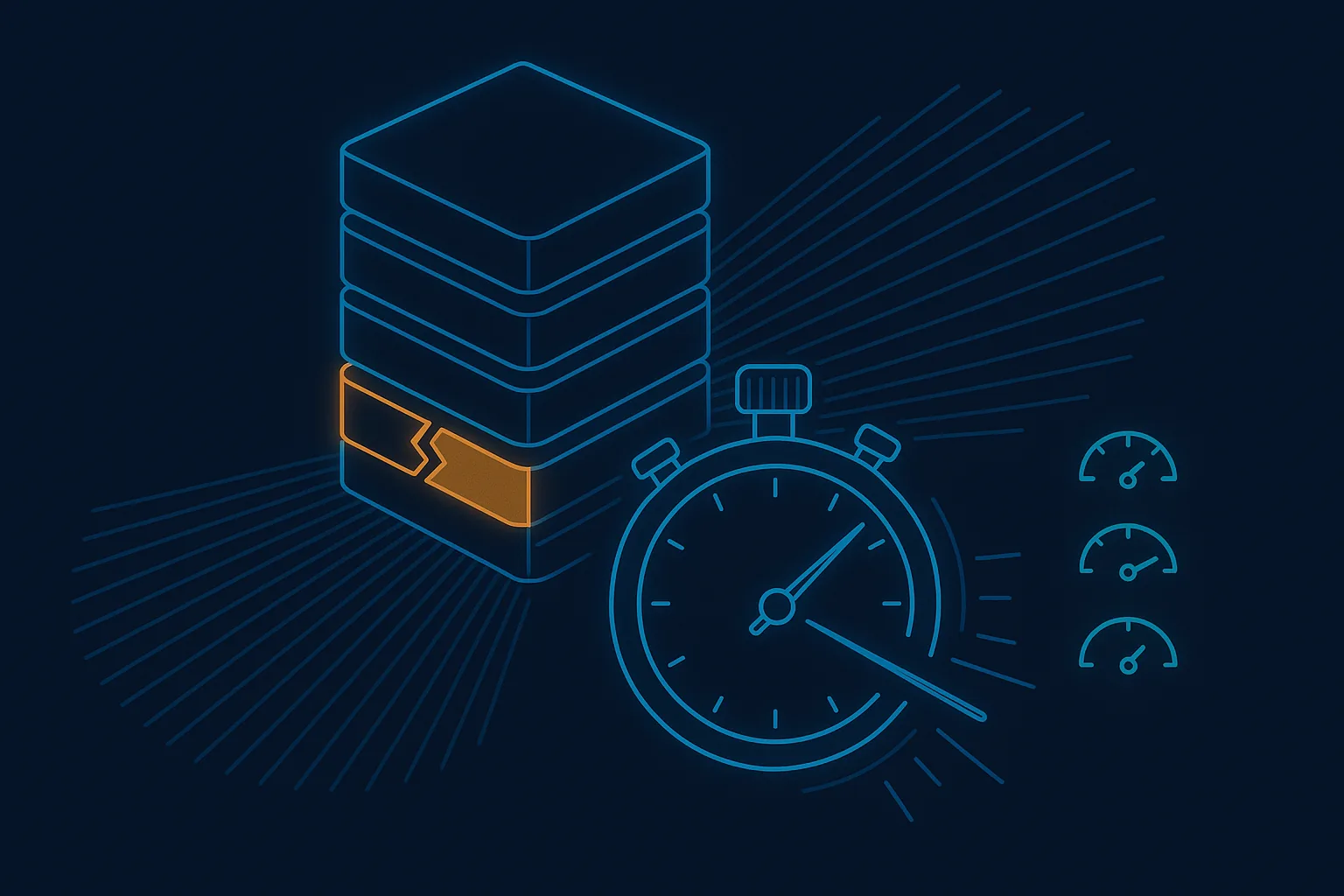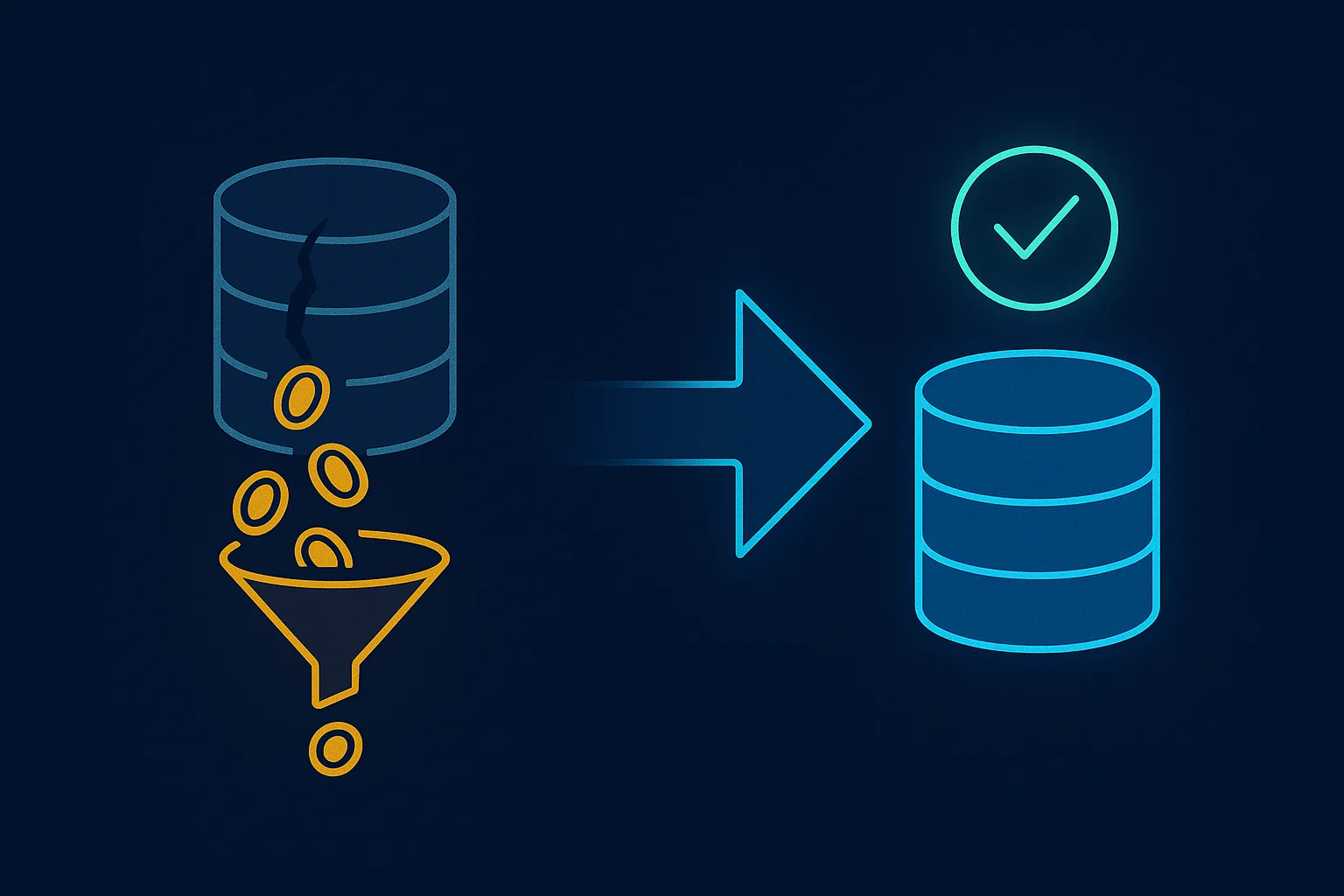
There is a line on a growing number of AWS bills that nobody ordered: RDS Extended Support. It appears without a deploy, without a contract change, and without anyone on the team doing anything at all. This article explains what it is, why it appeared, how it grows over time, and what it actually takes to stop paying it on a system you cannot afford to break.
What the fee is
When a database version reaches the end of its standard support window, Amazon RDS does not switch it off. Instead, it moves the database onto Extended Support and starts charging extra for every hour it keeps running. You do not opt in. The alternative to paying is upgrading the database engine — which is exactly the work that was being postponed when the fee started.
Three things make this fee different from most AWS costs:
- It is billed per vCPU-hour, so it scales with the size of your instances. A larger instance class means a larger penalty for standing still.
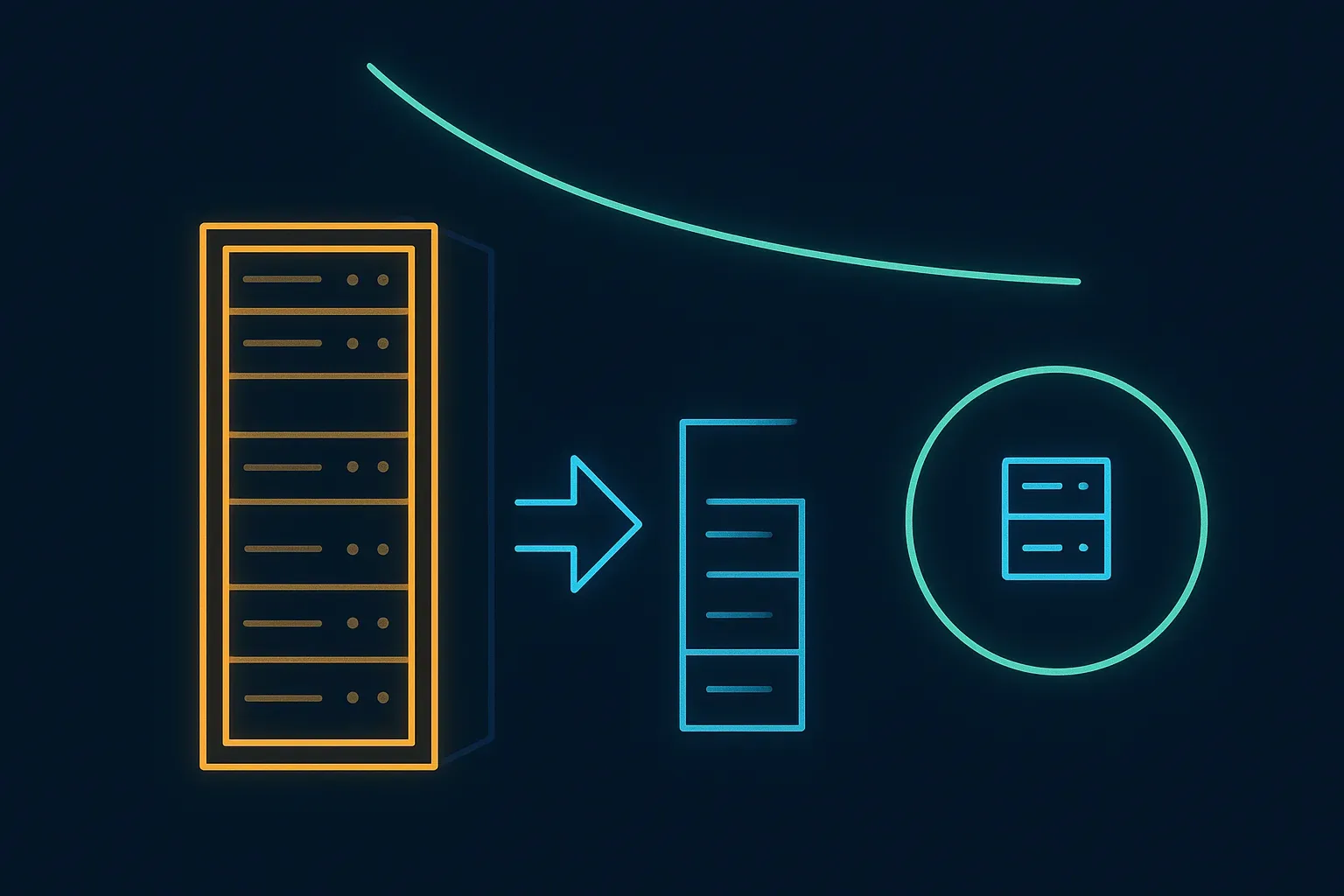
- It increases sharply over time — AWS roughly triples the rate after the first two years on Extended Support. The longer the upgrade waits, the more expensive waiting becomes.
- You get nothing for it. Your application does not get faster or safer. It is the same database, at a higher price, until you upgrade.
Why it appeared on your bill
For MySQL 5.7 on RDS, Extended Support billing began in early 2024. Many teams only discovered it months later, because the line item appears quietly among other RDS charges.
And this is no longer just about old systems. The same mechanism applies to every engine version as it ages — and as of this month it has caught up with MySQL 8.0, the version many teams upgraded to: RDS standard support for 8.0 ended on 31 July 2026, and Extended Support charges for it began on 1 August 2026. PostgreSQL versions ride the same treadmill. If your platform runs on RDS, this fee is not a question of if but when — and for a lot of teams, "when" was last week.
Why teams keep paying it
The upgrade command is not the hard part. Teams keep paying Extended Support for months or years because of what surrounds the command:
- The application is business-critical and nobody wants to be the person who broke it.
- The system was built by a previous developer or vendor, and nobody is confident what depends on version-specific database behaviour.
- There is no staging environment that faithfully mirrors production.
- Everyone suspects — sometimes correctly — that something, somewhere, will not survive the new version.
That suspicion deserves respect. In one of our engagements it turned out to be the whole story.
What a safe exit looks like: a real example
A medical equipment company ran its day-to-day operations on an internal legacy application hosted on AWS, with part of the setup on MySQL 5.7 on RDS. Extended Support was adding roughly $900 every month for standing still.
We treated the exit as a small modernisation project, not a version bump:
- Reviewed the AWS and RDS setup and confirmed the fees could be removed entirely by upgrading — no re-architecture needed.
- Cloned the RDS instance and rehearsed the entire upgrade on a staging copy before touching production.
- The rehearsal caught a real blocker. An older application still ran alongside its newer replacement, and it depended on database constructs that failed on MySQL 8.0. The old app simply could not work with the new version — quite possibly the reason the previous vendor never upgraded at all.
- Instead of forcing the upgrade through, we spent a sprint bringing the newer application to full feature parity, gave the client's team time to move across completely, then stopped the old application — stopped, not deleted, while we watched that nothing was missing.
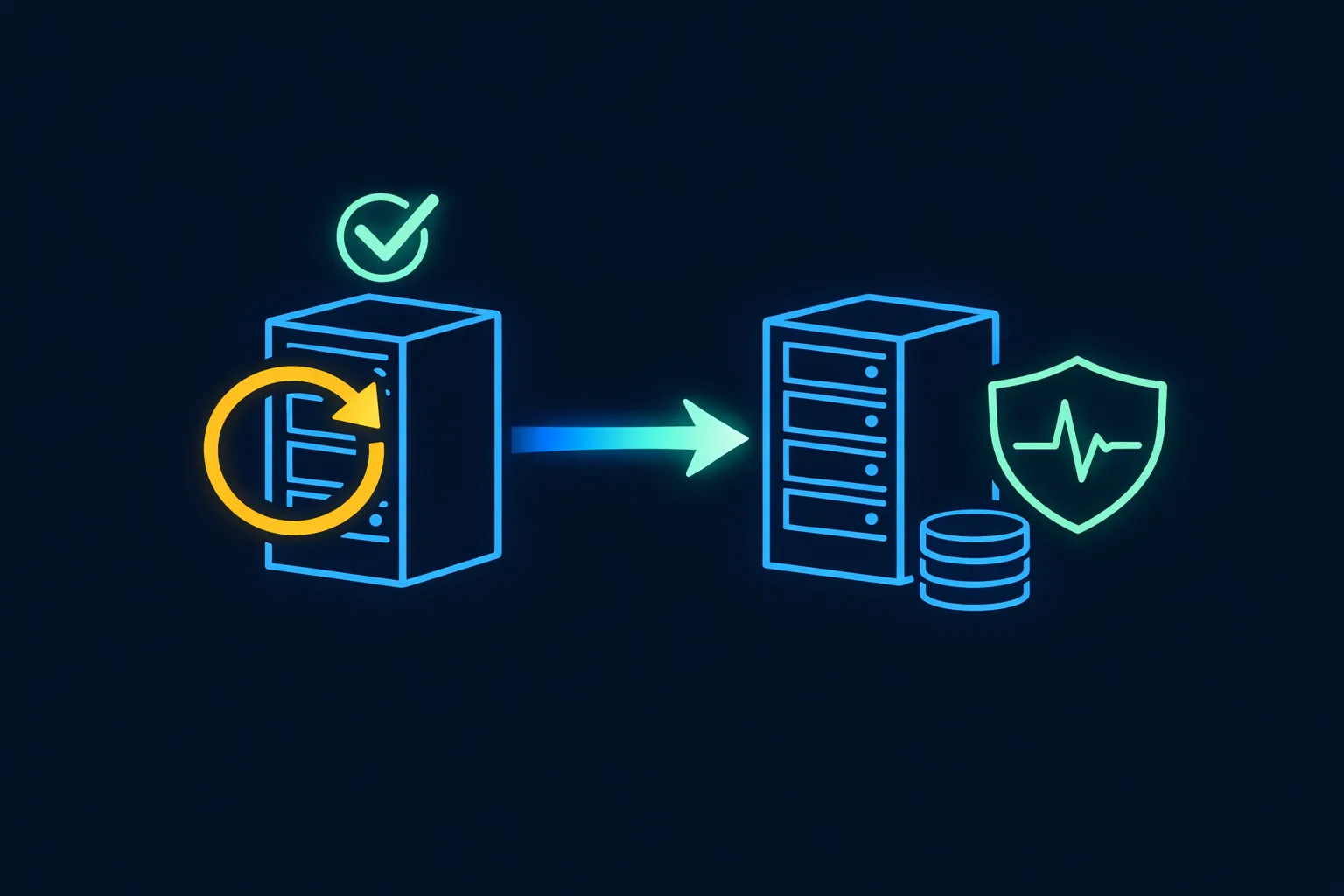
- Then upgraded for real: cloned and upgraded staging once more, tested everything together, took a fresh backup, and upgraded production overnight, when the internal system sits unused — with a rollback path ready the whole time.
The outcome: about $900 a month — roughly $10k a year — in recurring AWS fees disappeared, with no rewrite and no disruption to the business. The full story is in the case study.
Notice what the rehearsal bought: the blocker was found on a staging clone, where it cost a discovery, not on production, where it would have cost an outage. That is the difference between an upgrade plan and an upgrade command.
How to find out if this affects you
- Open AWS Cost Explorer and filter RDS costs by usage type — Extended Support appears as its own line.
- Check your engine versions against the RDS end-of-standard-support calendar. If you are on MySQL 5.7 you have been paying since 2024; if you are on MySQL 8.0, the charges started on 1 August 2026 — check this month's bill.
- If the version is old and nobody on your team can say with confidence what depends on it, that uncertainty — not the fee — is the real finding.
Where we fit
Finding recurring costs like this hiding in an existing system is part of what a System Risk Check is for: a fixed-price technical audit of your application and infrastructure with a written, prioritised report. Removing them safely is modernisation and upgrade work — done the way described above: rehearsed on a clone, verified, reversible, and scheduled around your business rather than during it.
If the fee is already on your bill, the maths is usually simple: the upgrade pays for itself, and the fee only goes up from here.