"The application is too expensive to run." It is one of the most common things an owner tells us about a system that is otherwise working perfectly well, and it nearly always arrives with a solution already attached — usually either "can we move off AWS?" or "should we buy a Savings Plan?"
Both skip a step. On a travel platform we took over, the production server's compute cost went from roughly $672 a month to about $201 — a 70% reduction — and not one line of application code changed. What changed was the order the decisions were made in.
The expensive mistake: committing before you measure
An AWS Savings Plan is a commitment. You agree to spend a certain amount per hour for one or three years, and AWS discounts the rate in exchange. The discount is real. The trap is that it applies to whatever you happen to be running at the moment you commit.
If your server is twice the size it needs to be, a Savings Plan does not fix that. It locks it in, at a discount, for a year — and it makes the waste harder to see afterwards, because the bill goes down and everyone stops asking the question.
The order that works is close to the reverse of the order most teams take it in:
- Find out what the server is actually doing.
- Remove the load that should not be there.
- Wait, then measure the real baseline.
- Resize to that baseline.
- Only now commit to it.
1. Find out what the server is actually doing
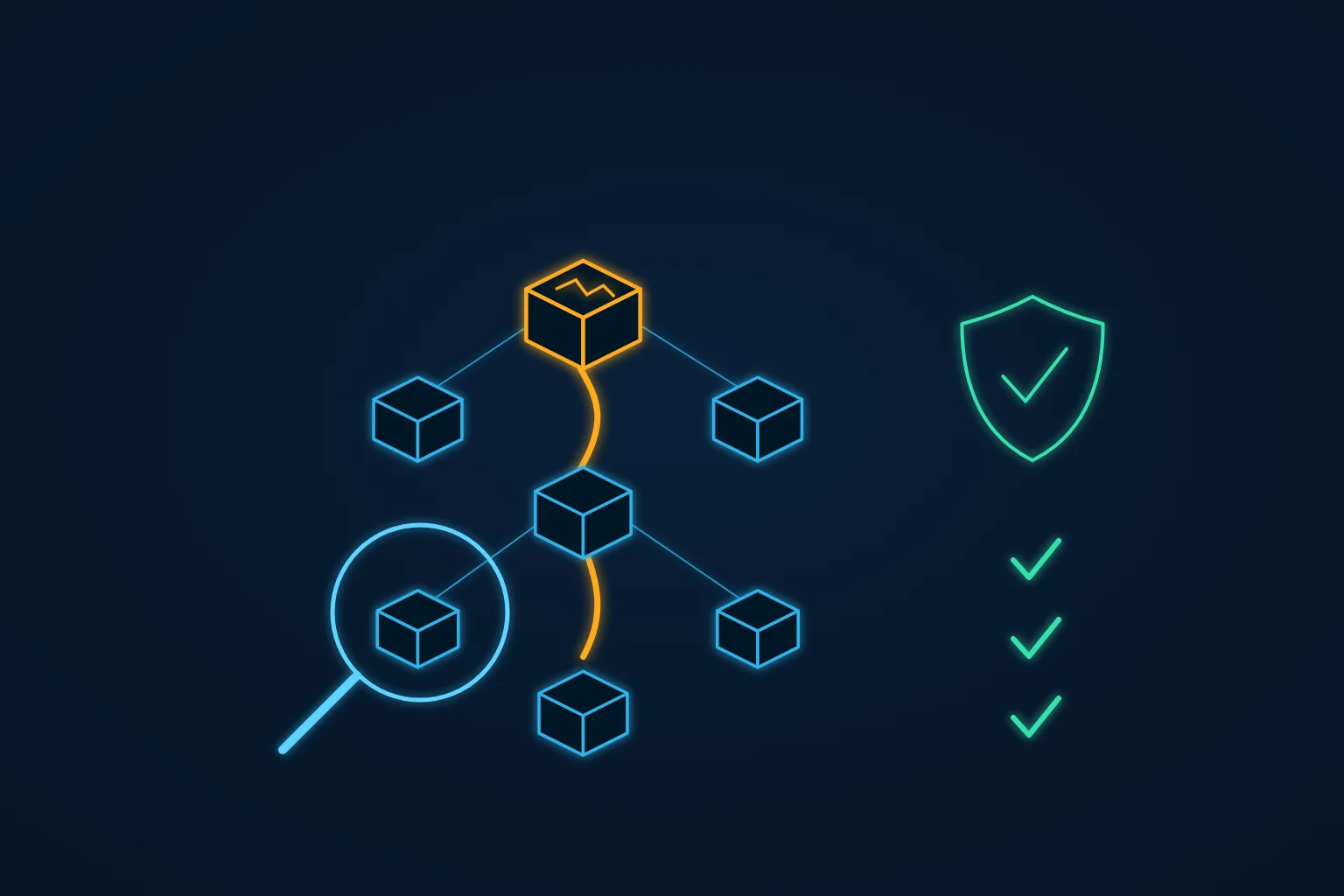
When we inherited this platform there was no monitoring at all. Nobody could answer "is this server busy?" with anything better than an impression, and an impression is not something you can size infrastructure against.
We set up CloudWatch monitoring for CPU and memory. It immediately caught load spikes nobody had an explanation for. The logs supplied one: scanner bots probing for .env files and WordPress paths that did not exist on this platform. Every one of those requests was spinning up a PHP-FPM worker in order to produce a 404.
That is a security observation, but it is also a cost observation. The server looked busy. Any sizing decision taken at that point would have been a decision about traffic that had nothing to do with the business.
2. Remove the load that should not be there
We blocked the scanners with rate limiting at the Nginx layer — before the request reaches PHP at all — and the load dropped.
We are deliberately not putting a dollar figure on this step. What it bought was not a saving, it was a true reading. Until the noise is gone, every number you might size against is wrong in the expensive direction.
3. Measure the real baseline
Then we waited. Not because waiting is virtuous, but because a baseline taken in the first quiet week after a change is not a baseline — it is a sample. Once traffic had stayed clean long enough to trust, the picture was unambiguous: the instance was running at roughly half the capacity it had been given.
This is the normal case, not an unusual one. Instances get sized once, early, under uncertainty — typically by someone reasoning about a launch rather than about steady state — and then nobody is ever rewarded for going back to check. The sizing survives long after the assumptions behind it have stopped being true.
4. Resize to the baseline
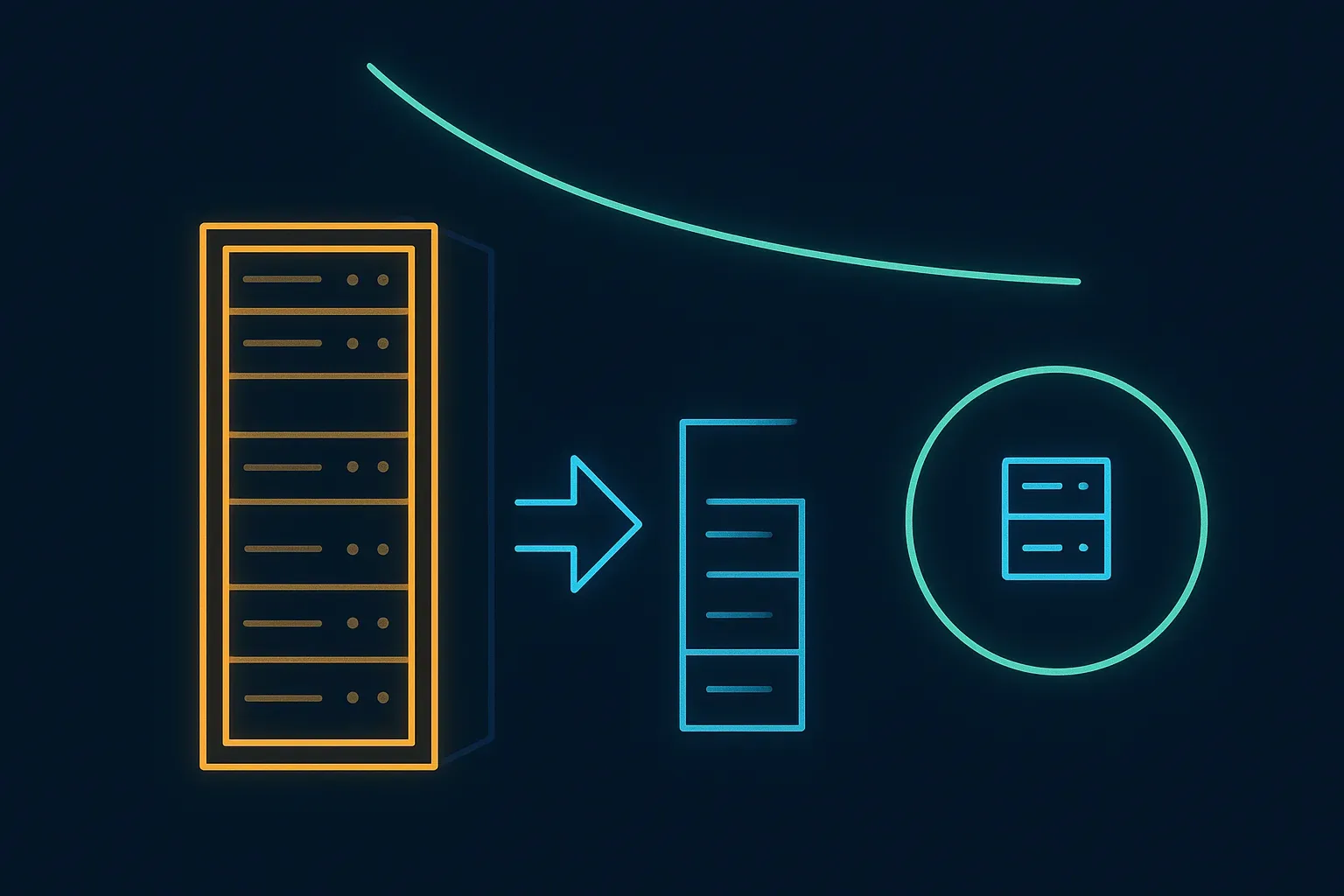
We moved the production instance from an m5.4xlarge to an m5.2xlarge: half the vCPU, half the memory, half the price.
AWS's public On-Demand rates in the Frankfurt region on Linux are $0.92 per hour for m5.4xlarge and $0.46 per hour for m5.2xlarge. For a server running continuously, that is roughly:
- Before: about $672 a month, or $8,060 a year.
- After the resize: about $336 a month, or $4,030 a year.
The application was not touched. No refactoring, no framework upgrade, no migration. The workload was already comfortable in half the machine; it had simply never been asked to prove it.
5. Only now commit
With the server at the size the workload actually needs, the commitment question finally becomes answerable — because you now know what you would be committing to.
We bought a one-year EC2 Instance Savings Plan, all upfront, which took roughly a further 40% off the compute rate: about $201 a month, or $2,420 a year.
Three choices sit inside that sentence, and they are the ones worth explaining:
- EC2 Instance plan rather than Compute plan. This workload is one instance family in one region, with no architectural change expected this year. An EC2 Instance Savings Plan gives the deeper discount in exchange for exactly that specificity. A Compute Savings Plan discounts less but follows you across instance families, regions, and on to Fargate and Lambda. If you are mid-migration or unsure where the architecture is going, pay for the flexibility — it is cheaper than being locked to the wrong thing. We were not, so we did not.
- One year rather than three. Three years discounts considerably more. It also assumes you can predict this application three years out, on hardware generations AWS has not released yet. For a system we had owned for months rather than years, one year was the honest horizon.
- All upfront rather than no upfront. This one is nearly a rounding error — paying the year in advance was worth on the order of a couple of hundred dollars over the term. It was the right call here because the cash was available and the commitment was already made. If it were not, taking the no-upfront option and keeping the cash would have cost very little.
What the order was worth
Compute for that production instance, end to end: about $672 a month before, about $201 after — roughly $5,640 a year on a single server.
Now the counterfactual. Suppose the Savings Plan had been bought first, on the oversized instance — the natural reflex when someone says "the AWS bill is too high". A one-year commitment on the m5.4xlarge at the same sort of discount lands near $0.55 an hour, about $403 a month. That is a genuine 40% saving, and it would have been reported as a win. It is also double what the same workload costs today, locked in for twelve months. (That figure is arithmetic on public list prices rather than a quote we were given — but the shape of it is the point.)
Here is the part that surprises people. Of the roughly $471 a month saved, about $336 came from the resize and about $135 from the Savings Plan. The discount everyone reaches for first was worth less than a third of the result. The rest came from not committing to waste.
One honest caveat: every figure above is EC2 compute for one production instance. It is not the client's entire AWS bill — storage, data transfer, database and backups are separate lines with their own answers. We are describing one server, properly, rather than a headline percentage off everything.
How to tell whether this applies to you
Roughly in the order that pays off fastest:
- Do you have CPU and memory monitoring with at least a few weeks of history? If not, start there — nothing below this line is answerable without it.
- What share of your traffic is bots, scanners and health checks rather than users? Check before you size anything.
- What is your genuine peak CPU over thirty clean days — peak, not average? Average hides the reason the instance was sized that way.
- When was the instance size last chosen, by whom, and against what expectation? If the answer is "at launch, by a vendor who has moved on", treat it as unverified.
- Do you already hold a Savings Plan or Reserved Instances, and when do they expire? That expiry is your natural window to do this work — resize first, then re-commit.
- Is the workload stable enough that you would bet a year of spending on it? If the honest answer is no, do not commit yet. The discount will still be there in three months.
The pattern is the same one that shows up in most of the cost problems we are handed: the infrastructure was never wrong, it was just never revisited. And the fix is not a negotiation with AWS — it is measuring the thing before you make a promise about it.
Where we fit
This is ordinary maintenance work, not a special engagement. It came out of a written audit of what actually threatens the business — the same exercise we sell as a System Risk Check — and it was carried out as part of ongoing application maintenance and support.
The full takeover behind these numbers, including the monitoring and the security work that made the measurement trustworthy, is written up in the inherited Laravel platform case study. If your AWS bill grew for a reason you have not identified yet, the RDS Extended Support fee is the other place we most often find it hiding.