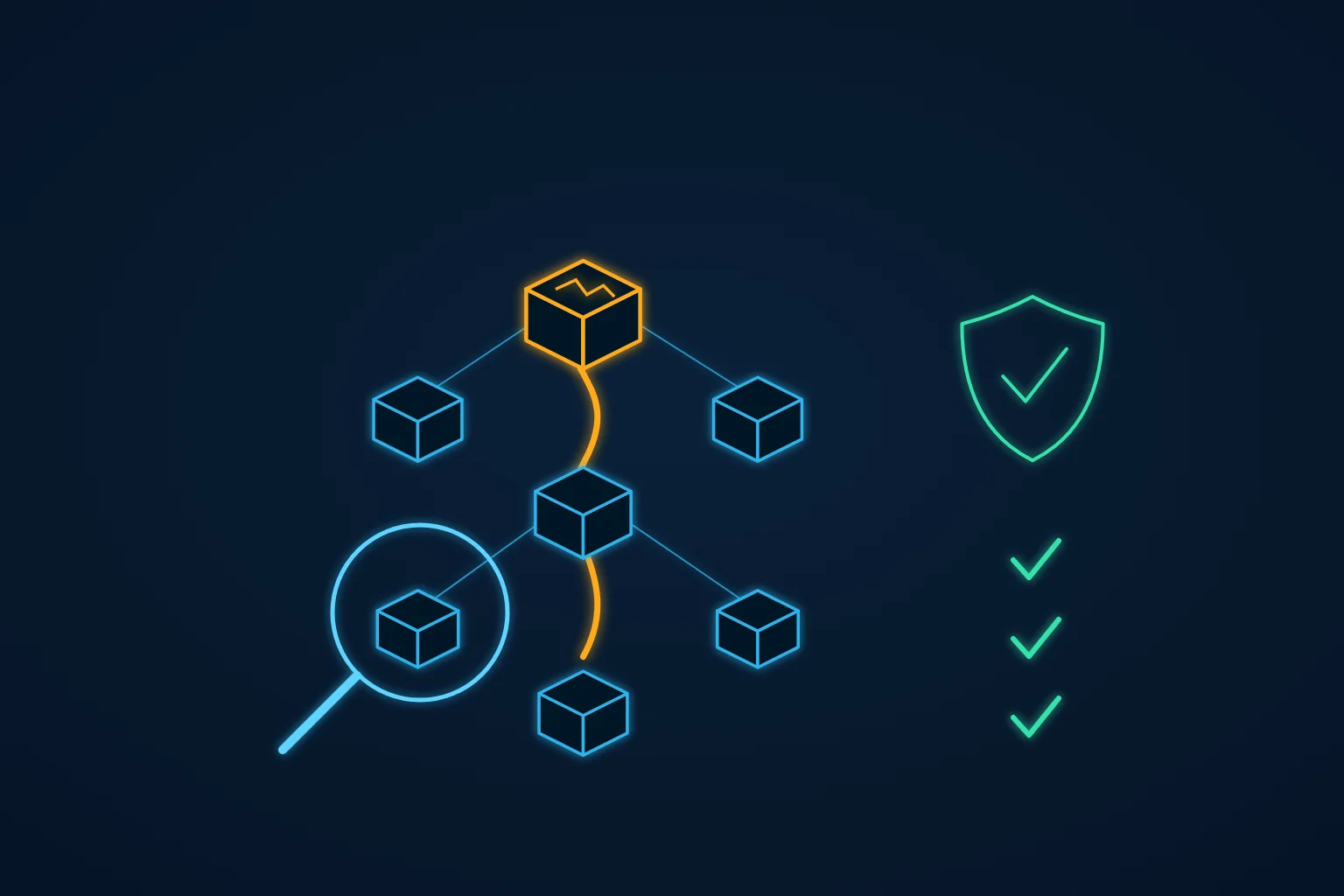
Most businesses that run their own application have one server like this. The operating system is years behind, packages are overdue for updates, and there is a message on the console saying a restart is required. Nobody has restarted it, because nobody knows whether the application will come back up afterwards.
We found exactly that when we took over an inherited Laravel platform. The business depended on it, and there were no reliable backups. The upgrade could not wait for ever, and it could not be done the usual way either.
What made it safe was simple: we did the whole upgrade once on a copy of the server before touching the real one. Here is how that works, and what an owner should ask before approving an overdue upgrade.
Why an overdue server is risky to touch, and risky to leave
An old server carries two kinds of risk at once.
- Leaving it alone means running without security fixes for the operating system, the web server, PHP and the database client. Every month adds to the list of known problems that automated scanners look for.
- Touching it means finding out, live, everything nobody wrote down: a service that does not start on boot, a configuration file edited by hand three years ago, a PHP extension the new package version no longer includes, a disk that turns out to be nearly full.
The usual result is that nothing happens. Each postponement feels safer than the restart, and the gap keeps growing. The answer is not more courage on the night. It is to remove the unknowns before the night.
Backups first, on the setup you already have
Before changing anything, we put backups in place on the existing server: automatic database dumps and daily snapshots of the server itself. This sounds obvious, but it is the step most often skipped, because people plan to "take a backup just before the upgrade". A backup taken once, by hand, minutes before a risky change, has never been restored by anyone. A scheduled backup that has been running for a while, and that you have restored at least once, is something you can rely on.
Backups do not make the upgrade safe. They make a failed upgrade survivable, and that is what lets you take the next steps calmly.
The rehearsal, step by step
This is the sequence we followed on that platform. The restart everyone feared turned out to be a non-event, because by the time we did it on production it had already happened once, on the copy.
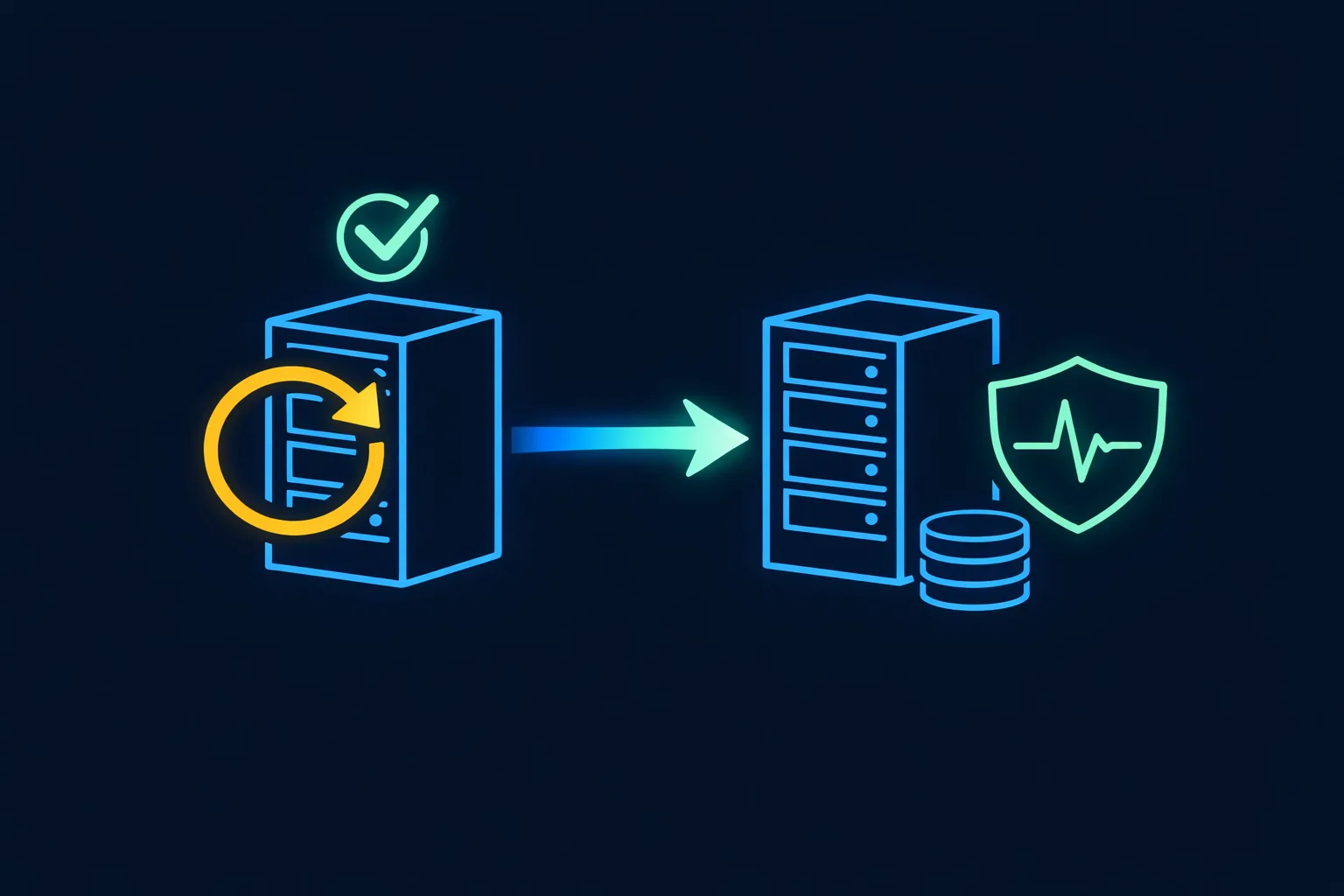
- Clone the server. On AWS this means an image of the instance, launched as a separate machine. The clone has the same operating system, packages, configuration and application code as production, which is the point: you rehearse on the real thing, not on a tidy staging server that differs in ways nobody remembers.
- Upgrade the clone and verify it. Run the full upgrade, reboot, and check that everything comes back by itself: the web server, PHP-FPM, the database connection, scheduled jobs, queue workers, certificates. Then use the application the way customers and staff do. Every problem you find here is one you will not find in production.
- Write the production runbook. Turn what happened on the clone into a numbered list of commands and checks, including the fixes you had to make. On the night, nobody improvises.
- Snapshot the old server for rollback. Immediately before the change, take a snapshot of production as it is. If the upgrade fails in a way the rehearsal did not predict, you go back to it rather than debugging under pressure.
- Upgrade production during low-traffic hours. Pick the window from real traffic data, not from habit, and follow the runbook.
The production upgrade on that platform completed without business disruption. That does not mean nothing can go wrong with this method. It means that what went wrong happened on a machine nobody depended on.
Making the copy safe to run
A clone of production is a second production server, with the same credentials and the same scheduled jobs. Started carelessly, it will do real things. Before you boot it, decide how you will stop it from:
- sending email or SMS to real customers from cron jobs and queued notifications;
- writing to the production database, if the application connects to a separate database server rather than one on the same machine;
- charging cards or calling partner APIs with live keys;
- receiving real traffic, through a DNS record or load balancer that picks it up by accident;
- being reachable from the internet with production data on it.
Usually that means starting it in an isolated network, disabling the scheduler and workers until you need them, and replacing outgoing credentials with test ones. Write these steps down too: they are part of the rehearsal.
What to check on the clone
- Every service starts after a reboot without anyone logging in.
- The PHP version and extensions match what the application needs, from a web request, not only from
php -von the command line. - The web server configuration loads without warnings, and HTTPS works.
- Scheduled jobs and queue workers run once you enable them.
- The main user journeys work: login, search, checkout or booking, admin screens, file uploads.
- Logs show no new errors after an hour of use.
- Disk space is sufficient for the upgrade and for the snapshot.
- You know how long the upgrade took, so the production window is based on a measurement.
Questions an owner can ask before approving the upgrade
You do not need to know the commands to judge whether an upgrade plan is ready. Ask the team:
- Where will you try the change first? "On production, carefully" is not an answer.
- What will you check before applying it to production? Expect a list, not "we'll test it".
- How will you recover if it fails, and how long will that take? Ask when the backup was last restored.
- When will the work have the least impact on operations? And who is on call afterwards.
Clear answers to those four questions give you something concrete to approve. Vague ones tell you the plan is still "restart and hope".
A checklist for an overdue upgrade
- Scheduled database and server backups are running, and one has been restored.
- The server is cloned, and the clone is isolated from customers, partners and production data stores.
- The full upgrade has been done and verified on the clone, including a reboot.
- A written runbook exists, with the fixes the rehearsal needed.
- A rollback snapshot is taken immediately before the change.
- The window is chosen from traffic data, and someone is watching afterwards.
- The clone is shut down and deleted once production is confirmed healthy.
Where we fit
The rehearsed upgrade was one step in a longer stabilisation: backups, secrets out of the repository, security closures, blocking scanner bots before they reach PHP and eventually cutting that server's compute cost by about 70%. The full story is in the case study.
If you have a server nobody wants to restart, the first step is knowing what is on it. Our System Risk Check maps the servers, versions, backups and risks in days, and tells you what to fix first. When we take a system over completely, application takeover covers this kind of work, and PHP application maintenance keeps it from falling behind again.