Last updated: August 6, 2026. This is an evolving incident — the list of affected packages is still growing. We will keep this article and our checker updated.
What happened
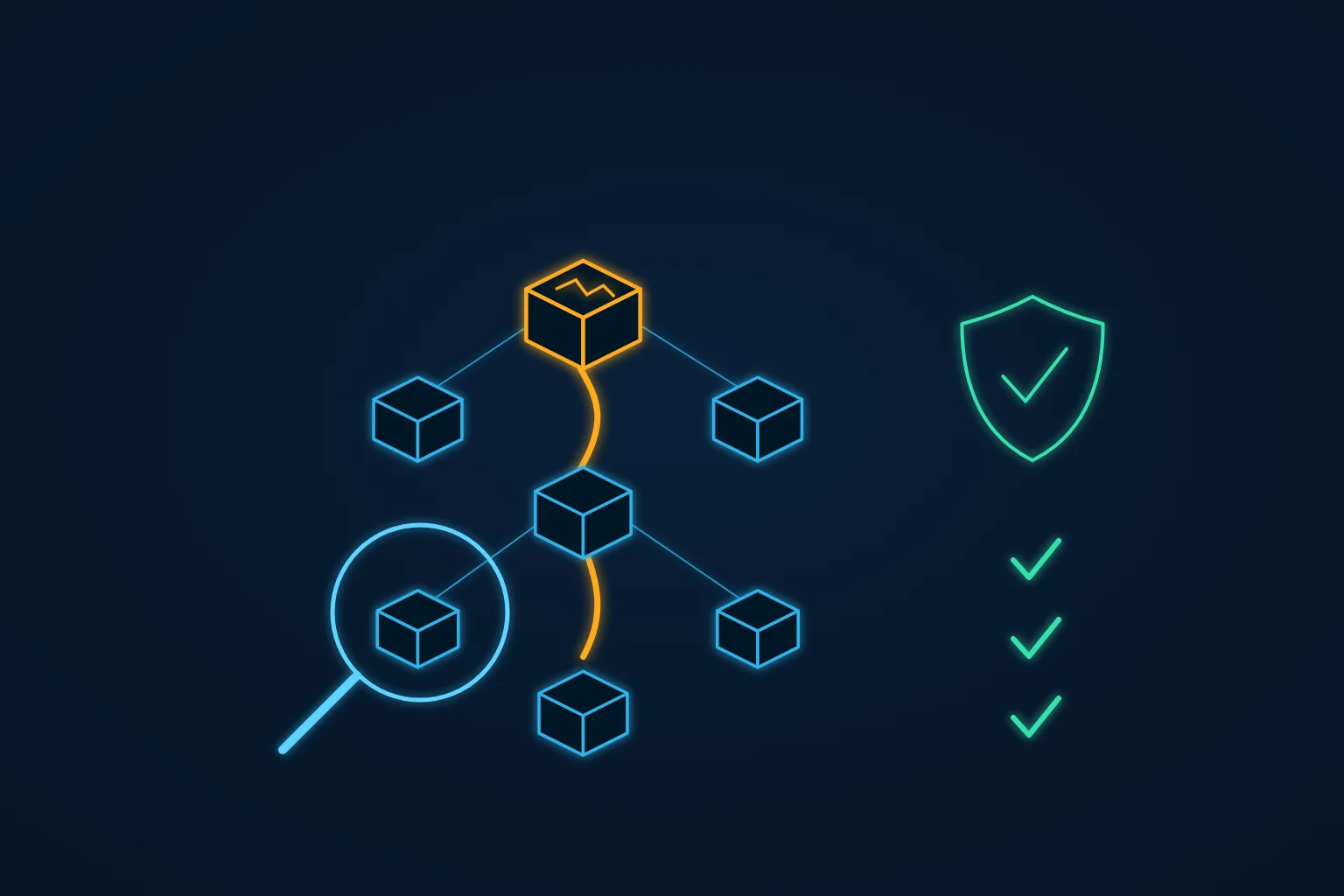
On August 4, 2026, attackers compromised the GitHub account of the maintainer behind several of the most widely used Node.js utility packages — including keyv, flat-cache, file-entry-cache and the cacheable family. Malicious code was pushed straight to the main branch, and the maintainer's own GitHub Actions pipelines built and published infected versions to the npm registry — complete with valid digital signatures.
The campaign, dubbed ChainDrop, is the latest wave of the Shai-Hulud worm family. Within four hours it had poisoned over 440 packages. Current counts stand at 444 compromised packages and 1,381 malicious versions, with roughly 2 billion combined monthly downloads.
The worst part: this is a worm. When an infected package is installed, a hidden preinstall script downloads a temporary Bun runtime and executes an obfuscated payload that steals npm tokens, GitHub personal access tokens, AWS and other cloud credentials, Kubernetes secrets, SSH keys, and CI/CD secrets — then uses those stolen credentials to infect more packages and repositories. Command-and-control runs over the Ethereum blockchain (a technique known as EtherHiding), which makes it hard to block by domain.
Are you affected?
If your team uses npm at all, assume you might be until you have checked. The compromised packages are deep in the dependency tree of thousands of projects — you do not have to depend on keyv directly to be pulling in an infected version. Confirmed malicious versions include:
keyv@6.0.0— over 150M weekly downloadsflat-cache@6.1.24— ~150M monthly downloadsfile-entry-cache@11.1.6— ~147M monthly downloads- plus
cacheable,cache-managerand hundreds more packages infected as the worm spread
Check all four places malware can live:
- Local developer machines — anything where
npm installran since August 4 - Project lockfiles and
node_modules— npm, pnpm, Yarn and Bun projects alike - Globally installed npm packages
- CI/CD runners and their secrets — build pipelines run
npm installconstantly and hold your most valuable credentials
Our free checker
We built a free, open-source checker and are keeping it updated as new indicators are published:
github.com/synapse-code-io/checker-shai-hulud-2026-08
It is offline and read-only: it makes no network requests, never runs npm install, and never executes code from the projects it scans. It checks your lockfiles, node_modules trees, global packages and Git history against every publicly enumerated indicator — 1,142 known-malicious versions across 390 packages — plus known file hashes, content signatures and the persistence files this worm plants (such as modified .vscode/tasks.json).
git clone https://github.com/synapse-code-io/checker-shai-hulud-2026-08.git
cd checker-shai-hulud-2026-08

# Scan the current project
./check-shai-hulud.sh /path/to/your/project

# Scan common locations in your home directory
./check-shai-hulud.sh --all
A clean scan is not absolute proof of safety — the package list is a snapshot of a moving target. But checking now is much better than discovering stolen credentials later.
If the checker finds something
- Rotate credentials first, clean up second. Assume every secret on the affected machine or runner is stolen: npm tokens, GitHub PATs, SSH keys, cloud credentials, Slack and Stripe tokens.
- Remove
node_modulesand reinstall from a lockfile pinned to known-good versions, usingoverrides(npm) orresolutions(Yarn) to block the malicious versions. - Audit CI/CD logs since August 4 for unexpected package publishes or repository changes made with your credentials.
- Check your npm and GitHub accounts for packages or workflows you did not publish — the worm propagates through its victims.
Reducing exposure to the next one
ChainDrop will not be the last npm worm. The most effective standing defenses:
- Run installs with
--ignore-scriptsin CI (and locally where practical) — this single flag neutralizespreinstall-based payloads like this one. - Pin exact dependency versions and treat lockfile changes as code review events.
- Give CI runners short-lived, minimally scoped credentials so a compromised build leaks as little as possible.
- Delay non-critical dependency upgrades by a few days — nearly every recent supply-chain attack was caught within 48 hours of publication.
If you are not sure what your exposure looks like — or you found indicators and want help with cleanup and credential rotation — request a free risk check and we will take a look at your setup.
Sources
- Microsoft Security Blog — ChainDrop supply chain compromise: anatomy of a self-propagating worm
- Elastic Security Labs — Shai-Hulud strikes again: ChainDrop worm hits 400+ npm packages
- BleepingComputer — Massive ChainDrop npm supply-chain attack
- JFrog Security Research — Major Shai-Hulud campaign strikes npm again
- StepSecurity — ChainDrop npm worm: Bun-loaded CI/CD credential harvester